Who Blocked Me? Guides for Every Social Platform
Wondering who blocked you? No major social app shows a list of people who blocked you, and no outside app can legitimately reveal one. What you can do — for free — is check a specific person using the platform itself.
These articles explain, app by app, what you can check, what each sign means, how to tell a block from a deleted or private account, and how to avoid "who blocked me" apps that put your account at risk.
Who Blocked Me on Instagram? How to Check for Free
Want to see who blocked you on Instagram? Instagram has no list, but these free checks help you tell a block from a renamed, private or deactivated account.
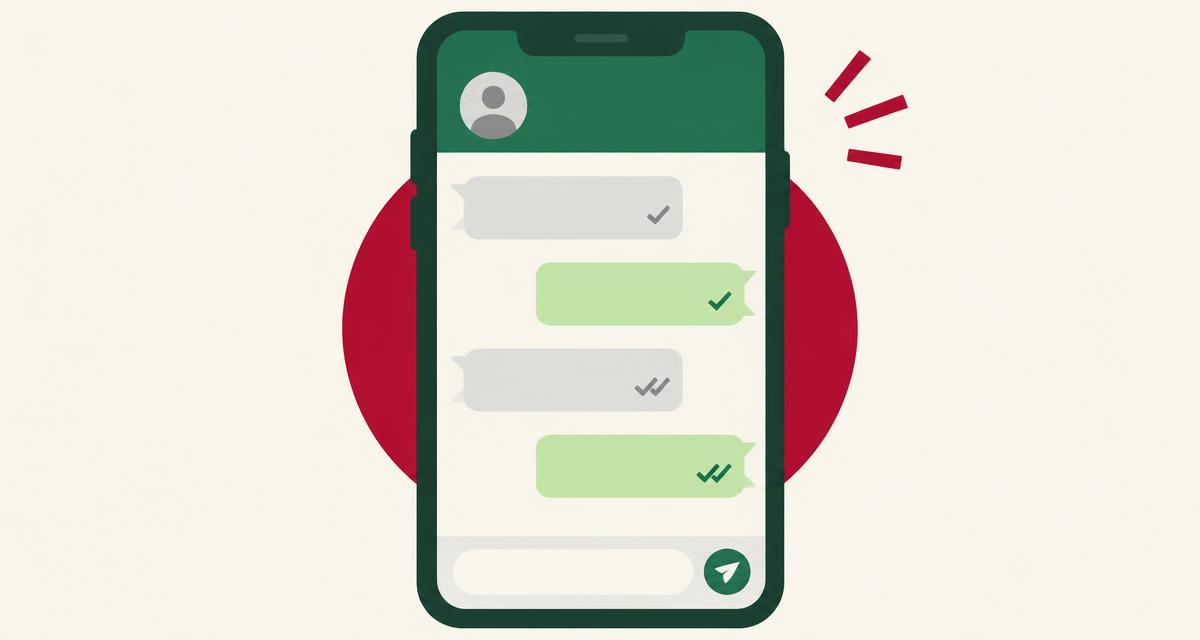
Who Blocked Me on WhatsApp? Signs and Ways to Check
WhatsApp never says who blocked you. Learn the real signs — ticks, profile photo, last seen and calls — and how to tell a block from privacy settings or an offline phone.
Who Blocked Me on Facebook? How to Find Out
Facebook doesn't list who blocked you. Learn how to check one profile for free, the signs of a block, and how to tell blocking from deactivation or unfriending.
TikTok
Who Blocked Me on TikTok? What You Can Check
TikTok has no list of who blocked you. Learn the free checks for a single account and how to tell a block from a private, banned or renamed profile.
Quick answers to specific signs
- What Does One Tick Mean on WhatsApp? (And Does It Mean You're Blocked?)
- Instagram Profile Unavailable: Blocked, Deactivated or Something Else?
- Facebook Blocked vs Deactivated: How to Tell the Difference
- Messenger Message Sent but Not Delivered: What It Means
- TikTok Profile Not Found: Blocked, Banned or Renamed?
- Telegram 'Last Seen a Long Time Ago' Meaning: Blocked or Hidden?
- Snapchat Blocked vs Removed: How to Tell the Difference
- How to Tell If Someone Blocked You on X (Twitter)
- Discord 'Your Message Could Not Be Delivered': Blocked or Settings?
- LinkedIn 'This Profile Is Not Available': What It Means