Who Blocked Me on TikTok? What You Can Check
Published 10 October 2026
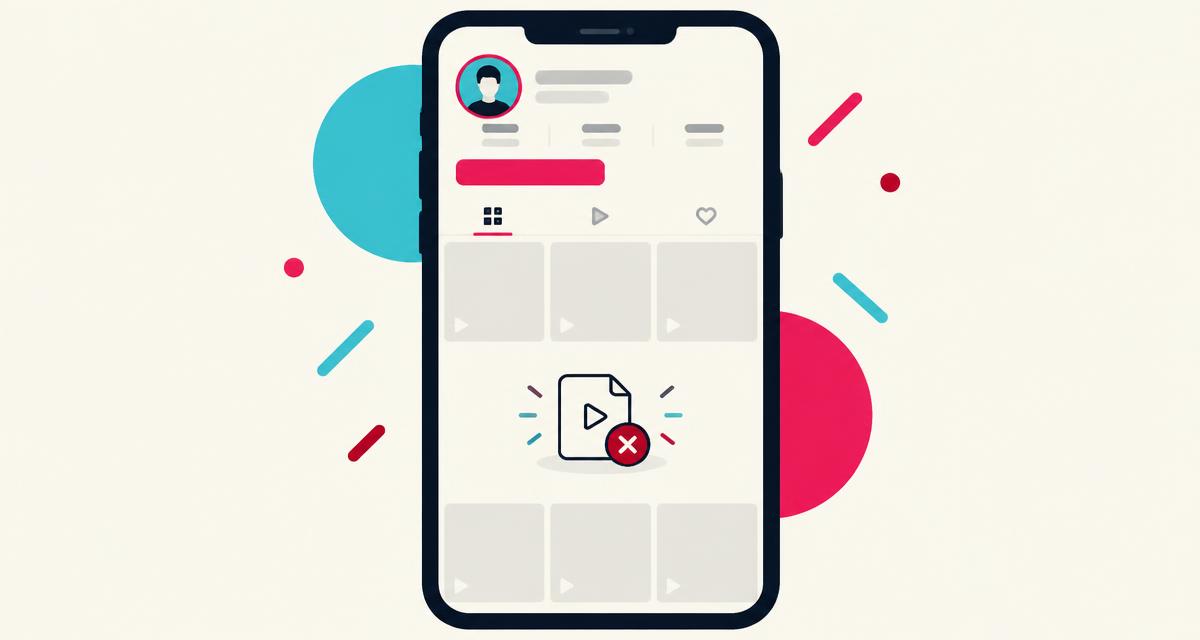
Illustration — not a screenshot of TikTok.
TikTok doesn't tell you who blocked you, and there's no list in the app. If you want to know whether a particular person blocked you on TikTok, you can check a few things for free — but each one has other explanations.
Can you see who blocked you on TikTok?
No. The 'Blocked accounts' list under Settings and privacy > Privacy shows accounts you blocked. TikTok's data download doesn't include who blocked you.
How to check if someone blocked you on TikTok
- Search their username in the Users tab of TikTok search.
- Open their profile from an old comment, mention, DM or notification.
- Look at what the profile shows: videos, 'This account is private', or a message that the account couldn't be found.
- Check your DMs with them — can you still open the conversation and their profile?
- Look at a video where you know they commented, and see whether the comment is still there for you.
Signs that someone may have blocked you on TikTok
- Their account no longer appears in your search.
- Their profile shows no videos for you.
- You can't follow, message or comment on their content.
- Their comments disappear for you.
Blocked, private, banned or renamed?
Private: the account still appears; you see a lock and a Follow request option.
Renamed: old links and @mentions stop working, but the person can be found under the new name.
Banned or deleted: the account is gone for everyone, which you can't distinguish from a block on your own.
Interaction limits: creators can limit comments, duets, stitches and DMs for everyone or only friends. Missing buttons are weak evidence.
How to check for free
All checks above are free. The Who Block Me TikTok checker helps you weigh what you've seen without logging in.
Is there an app to see who blocked you on TikTok?
No app can legitimately show you who blocked you on TikTok. TikTok does not offer that information to anyone — not to you, and not to outside developers. Its official developer tools don't include a "who blocked me" feature, so any app claiming to have one is either guessing or misleading you.
These apps often ask you to log in with your username and password, or to paste a code or cookie from your browser. That gives a stranger full control of your account. People have lost accounts, had spam sent from them and been asked to pay to 'unlock' results that were never real.
Warning signs to watch for:
- It asks for your password or a login code.
- It promises a complete or guaranteed list of people who blocked you.
- It charges money to reveal names.
- It asks you to install a browser extension or profile on your phone.
- It confuses people who blocked you with people who unfollowed you — those are different things.
Check the signs step by step
Frequently asked questions
Does TikTok notify you when you're blocked?
No.
Can I see a blocked person's videos on the For You page?
Generally blocked users don't see each other's content, but app behaviour can vary.
Is 'Couldn't find this account' a block?
Not necessarily — it's common after a username change, ban or deletion.
Is there an app to see who blocked me on TikTok?
No legitimate app can do this.
Can I check for free?
Yes — search, profile visits and your DMs are all free.
Conclusion
TikTok won't show you who blocked you. Search for the account, open it from an old link and check your DMs. If it's missing only for you, a block is possible; if it's gone everywhere, it may be banned, renamed or deleted.
More from the blog
Who Block Me is independent and not affiliated with TikTok. We can't see any account and can't confirm whether anyone blocked you.