Who Blocked Me on Facebook? How to Find Out
Published 10 October 2026
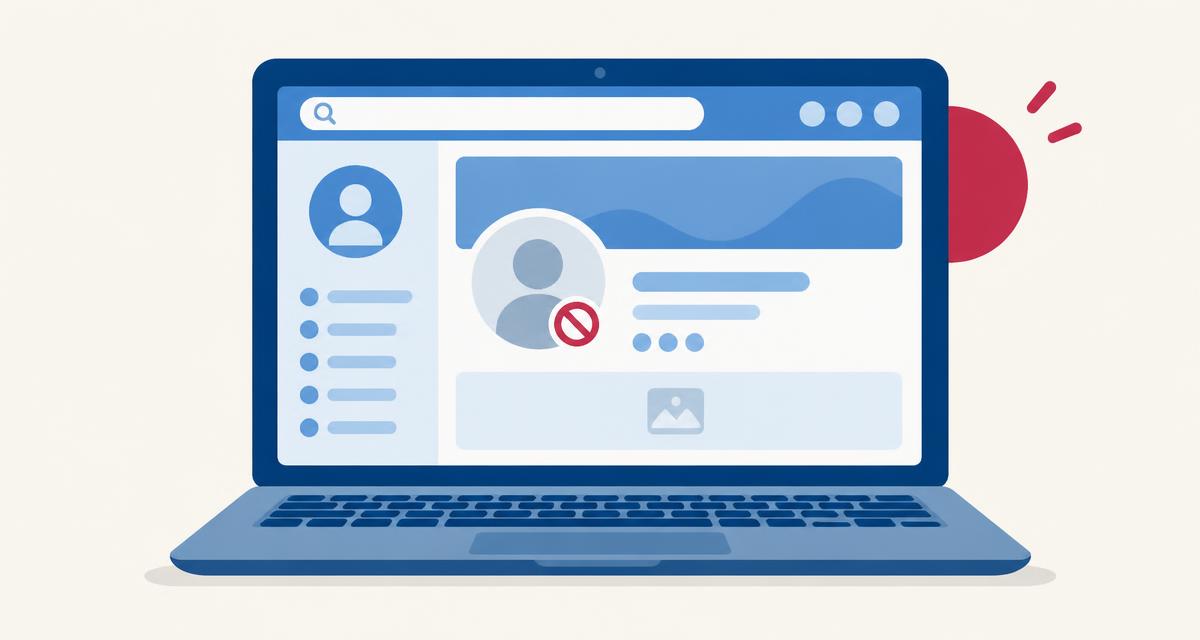
Illustration — not a screenshot of Facebook.
Facebook has no 'who blocked me' list, and it doesn't notify people who are blocked. If you want to find out who blocked you on Facebook, you'll need to check one person at a time — and accept that the answer is usually 'possibly', not 'definitely'.
Here's how to check for free, what each sign means, and how to tell a block apart from a deactivated account, an unfriend or tighter privacy settings.
Can you see who blocked you on Facebook?
No. The 'Blocking' page in Settings & privacy shows people you have blocked. Facebook's 'Download your information' tool covers your own activity and doesn't list who has blocked you.
How to check if someone blocked you on Facebook
- Search their name in Facebook search. If they don't appear while you're sure of the spelling, note it.
- Open a saved link to their profile, or tap their name in an old post, comment or photo tag. A block shows 'This content isn't available right now'.
- Open your Messenger thread with them. If their name shows as 'Facebook User' with a blank picture, deactivation or deletion is likely; if their name still shows but you can't open the profile, a block is more likely.
- Look for their comments on mutual friends' posts. If friends can see them but you can't, that points away from deactivation.
- Check your friends list. If they're no longer there, they may have unfriended you — which is different from blocking.
Signs that someone may have blocked you on Facebook
- Their profile shows 'This content isn't available right now' for you only.
- They've disappeared from search, mutual friend lists and tags — for you.
- You can't message them or add them as a friend.
- A mutual friend mentions recent activity you can't see anywhere.
Blocked vs deactivated vs unfriended
Deactivated: the profile disappears for everyone. Their name often appears as 'Facebook User' in Messenger, and posts and comments vanish everywhere.
Blocked: the profile disappears only for you. Others can still see it.
Unfriended: you can usually still find the profile and see public content, and you can send a new friend request.
Privacy settings: someone can hide their friend list, posts and even search visibility. That reduces what you see without a block.
How to check for free
All of these checks are free. You don't need a second account — and creating one to view someone's profile can breach Facebook's terms. The Who Block Me Facebook checker can help you weigh the signs without any login.
Is there an app to see who blocked you on Facebook?
No app can legitimately show you who blocked you on Facebook. Facebook does not offer that information to anyone — not to you, and not to outside developers. Its official developer tools don't include a "who blocked me" feature, so any app claiming to have one is either guessing or misleading you.
These apps often ask you to log in with your username and password, or to paste a code or cookie from your browser. That gives a stranger full control of your account. People have lost accounts, had spam sent from them and been asked to pay to 'unlock' results that were never real.
Warning signs to watch for:
- It asks for your password or a login code.
- It promises a complete or guaranteed list of people who blocked you.
- It charges money to reveal names.
- It asks you to install a browser extension or profile on your phone.
- It confuses people who blocked you with people who unfollowed you — those are different things.
Check the signs step by step
Frequently asked questions
Does Facebook notify you if someone blocks you?
No. There's no notification.
Does blocking on Facebook block Messenger too?
Yes, a Facebook block also blocks Messenger. But someone can block only your Messenger messages while you still see their profile.
Is 'Facebook User' a sign of a block?
It's more typical of a deactivated or deleted account.
Can I see who blocked me on Facebook for free?
There's no list. You can check individual profiles for free using search, links and Messenger.
Can mutual friends tell me if I'm blocked?
They can mention whether the person is still active, but please don't ask them to monitor someone.
Conclusion
Facebook won't tell you who blocked you. For one person, compare search, profile links, Messenger and what mutual friends see: if the profile is gone only for you, a block is possible; if it's gone for everyone, deactivation is likelier.
More from the blog
Who Block Me is independent and not affiliated with Facebook. We can't see any account and can't confirm whether anyone blocked you.